
Invoice Processing Automation Software
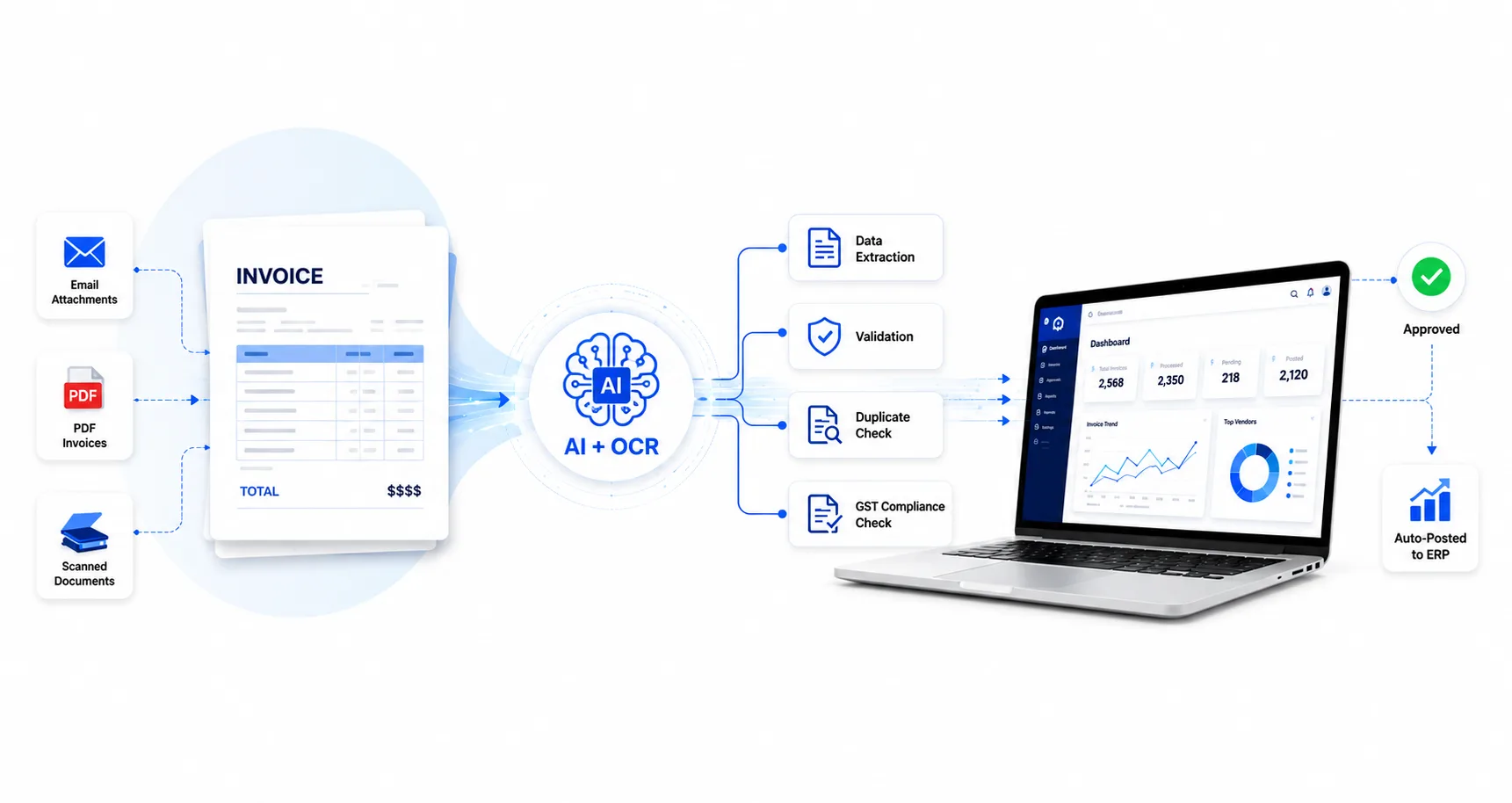
Automate invoice data extraction, validation, approval, and ERP posting with AI-powered OCR. SEPFUST Invoice Processing Automation Software helps finance and accounts payable teams process invoices faster and reduce manual data entry across SAP, Oracle, Tally, and other ERP systems.
PDF, image and scanned invoices | PO and non-PO processing | GST validation | ERP posting
Please register or login to our Invoice Processing Automation platform for experiencing our solutions on AI Invoice Reader.
What is Invoice Processing Automation?
Invoice processing automation software uses OCR, AI and business rules to process supplier invoices with less manual work.
The system reads each invoice and captures the information required for purchase accounting. It then checks the data against vendor masters, purchase orders, GRNs, tax rules and other company records.
Once the invoice passes the required checks and approvals, it can be posted directly into the ERP.
Your finance team does not have to enter every field manually. They only need to review invoices where the system finds missing or incorrect information.
Accounts Payable Automation
Invoice processing is a key part of the accounts payable process. Manual invoice handling can involve repeated data entry, document verification, vendor follow-ups, and reconciliation.
SEPFUST's AP Automation Solution helps automate key stages of the invoice-to-accounting workflow, including:
Invoice Capture Data Extraction Validation Processing ERP Posting
This provides finance and accounts payable teams with a more structured and controlled invoice processing workflow.
Core Technology
Our OCR platform powers the entire AP automation pipeline.
Invoice Data Extraction
Extract accounting, GST and line-item data from PDF and scanned invoices in different formats.
Three-Way Invoice Matching
Compare the purchase order, goods receipt note and supplier invoice before approval.
Duplicate Invoice Detection
Check vendor, invoice number, date, amount and ERP records to prevent duplicate posting.
Automated Approval Workflow
Send invoices to the correct approver based on predefined business rules.
Direct ERP Posting
Post approved invoices directly into SAP, Oracle, Tally or custom accounting applications.
Exception Management
Flag missing data, GST errors, PO mismatches and GRN differences for review.
Use Cases
- Automated Purchase Accounting — Read supplier invoices, validate the data and create purchase accounting entries with less manual work.
- GRN or SRN Processing — Use extracted invoice data to support GRN or SRN-related entries in the ERP.
- PO Invoice Matching — Compare invoices with purchase orders and receipt records before posting.
- Non-PO Invoice Approval — Send non-PO invoices to the correct department or approver based on configured rules.
- Purchase Register Preparation — Prepare a structured purchase register directly from invoice PDFs and scanned documents.
- GST Data Validation — Check GST fields, tax values and e-invoice information before accounting.
- Vendor Invoice Reconciliation — Compare purchase documents with vendor e-invoice data and identify differences.
- Bulk Invoice Processing — Process multiple invoices without entering each document separately.
Why Choose SEPFUST?
- Built for Enterprise Invoice Processes: The solution supports high invoice volumes, multiple business units and different approval requirements.
- Handles Different Invoice Formats: Vendors do not need to follow one fixed invoice layout. The system can process invoices received in different PDF and image formats.
- Supports Both PO and Non-PO Accounting: Manage material purchases, service invoices and business expenses through the same application.
- ERP-Connected Processing: Validated and approved information can move directly into SAP, Oracle, Tally or another accounting system.
- Business-Rule Validation: Invoice data is checked against the company’s accounting, vendor, GST and purchase rules.
- Clear Exception Visibility: The team can see which invoices need attention and why they have been stopped.
- Configured Around Your Process: Fields, validation rules, approval levels and ERP posting requirements can be configured based on the company’s workflow.
Multiple ways to send invoices
Our OCR platform is hosted on AWS and supports a wide range of document ingestion methods to fit your existing workflow.
Try our Invoice Data extraction Solution
Upload a PDF or scanned supplier invoice and check how the SEPFUST Invoice Reader extracts header and line-item information.
For PO matching, business-rule validation, approvals and direct ERP posting, request a complete product demonstration.
Who Should Use This Solution?
 Medium to large enterprises with high transaction volumes
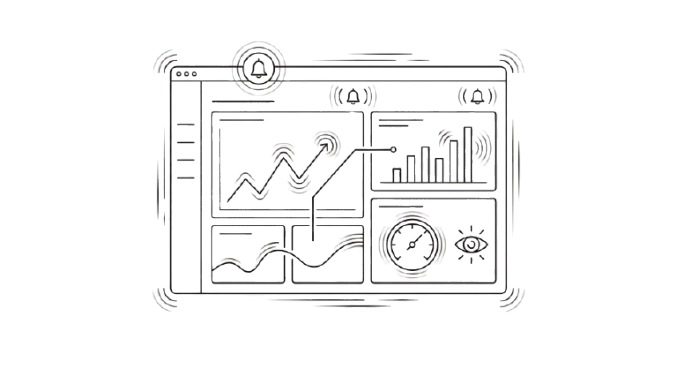 Manufacturing & Trading Companies
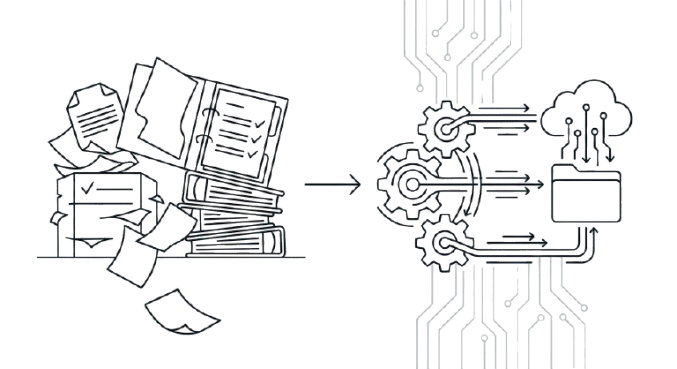 Finance & Accounts Payable Teams
 Organisations seeking accuracy and process control
What Our Clients Says



Our Notable Clients